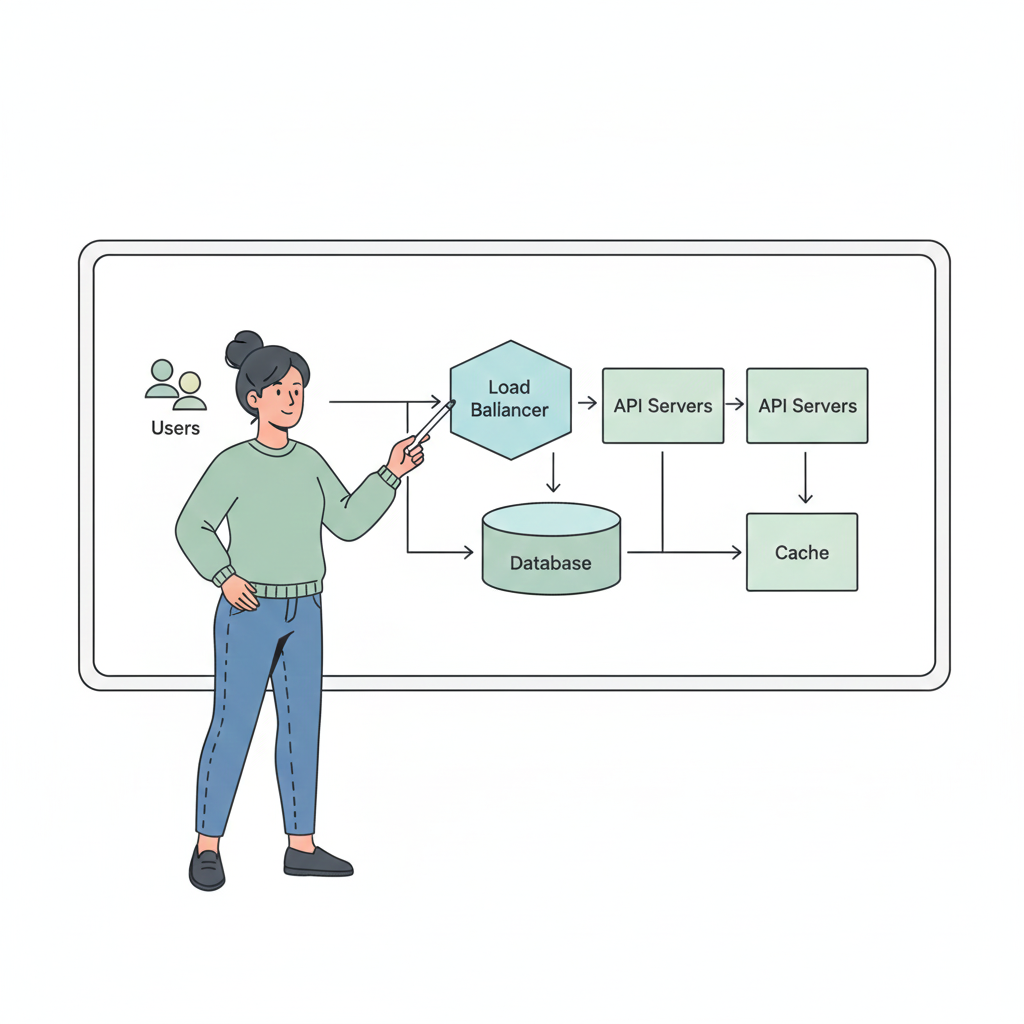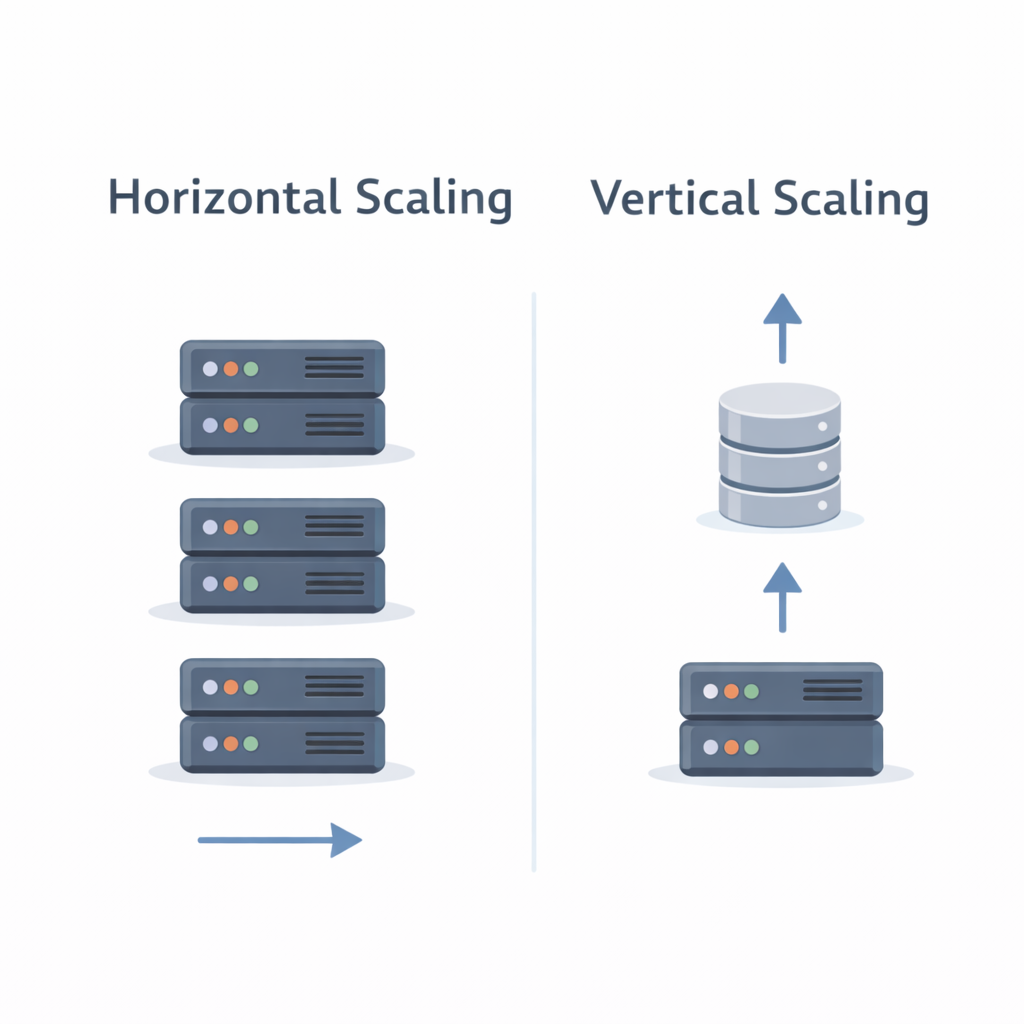
As systems grow, performance and scalability become critical.
Most real-world applications cannot rely on databases alone. This is where caching and proper storage choices play a key role in system design.
In this blog, we’ll cover why caching is needed, how databases differ, and basic storage types—keeping it simple and practical.
Why Caching Is Needed
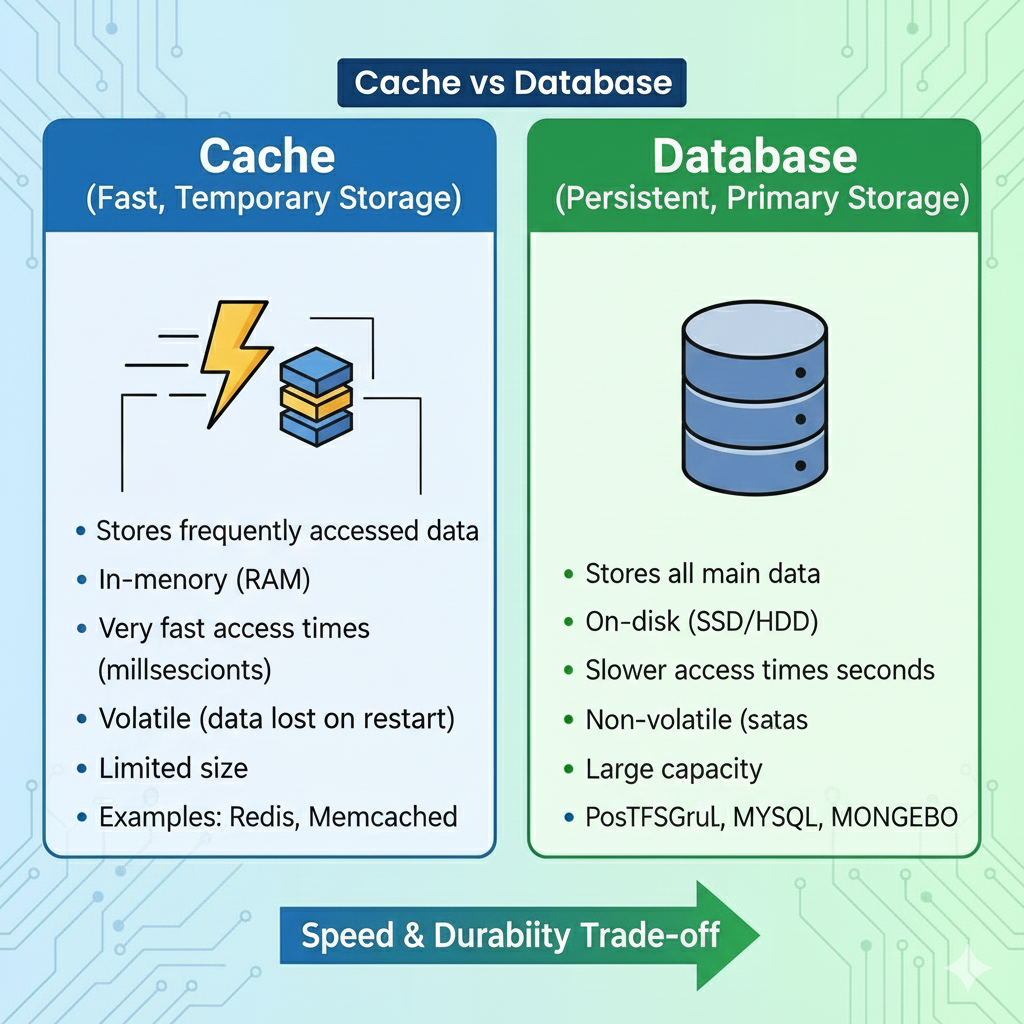
Databases are powerful but expensive and slower compared to memory.
Caching helps by storing frequently accessed data in faster storage (usually in-memory).
Benefits of Caching:
- Faster response times
- Reduced database load
- Improved system scalability
- Better user experience
Example:
User profile data that rarely changes can be cached instead of querying the database on every request.
Common Caching Patterns
Cache-Aside (Lazy Loading)
- Application checks cache first
- If data exists → return from cache
- If not → fetch from database and update cache
Why it’s popular:
Simple, flexible, and works well for read-heavy systems.
Read-Heavy vs Write-Heavy Systems
Read-Heavy Systems
- More reads than writes
- Examples: blogs, news sites, product catalogs
- Best practices: heavy caching, read replicas
Write-Heavy Systems
- Frequent data updates
- Examples: chat apps, financial systems
- Best practices: careful cache invalidation, durable storage
Understanding traffic patterns helps decide where and how to cache.
Databases: SQL vs NoSQL (High Level)
SQL Databases
- Structured schema
- Strong consistency
- ACID transactions
Use when:
Data relationships are important (orders, payments, user accounts)
NoSQL Databases
- Flexible schema
- Horizontally scalable
- High availability
Use when:
Handling large-scale, distributed data (logs, events, sessions)
Basic Storage Types
1. Relational Databases
- Tables with rows and columns
- Strong consistency
- Examples: MySQL, PostgreSQL
2. Key-Value Stores
- Simple key → value access
- Extremely fast
- Examples: Redis, DynamoDB
Common use: caching, sessions, counters
3. Object Storage
- Stores large files as objects
- Highly durable and scalable
- Examples: S3-like systems
Use cases: images, videos, backups
Key Takeaways
- Caching is essential for performance and scalability
- Cache-aside is the most common caching pattern
- Choose databases based on data structure and access patterns
- Different storage types serve different system needs
Caching and storage decisions directly impact latency, cost, and scalability.
What’s Next?
In the next blog, we’ll go deeper into:
👉 SQL vs NoSQL, Sharding & Replication
You’ll learn how databases scale and handle large volumes of data.